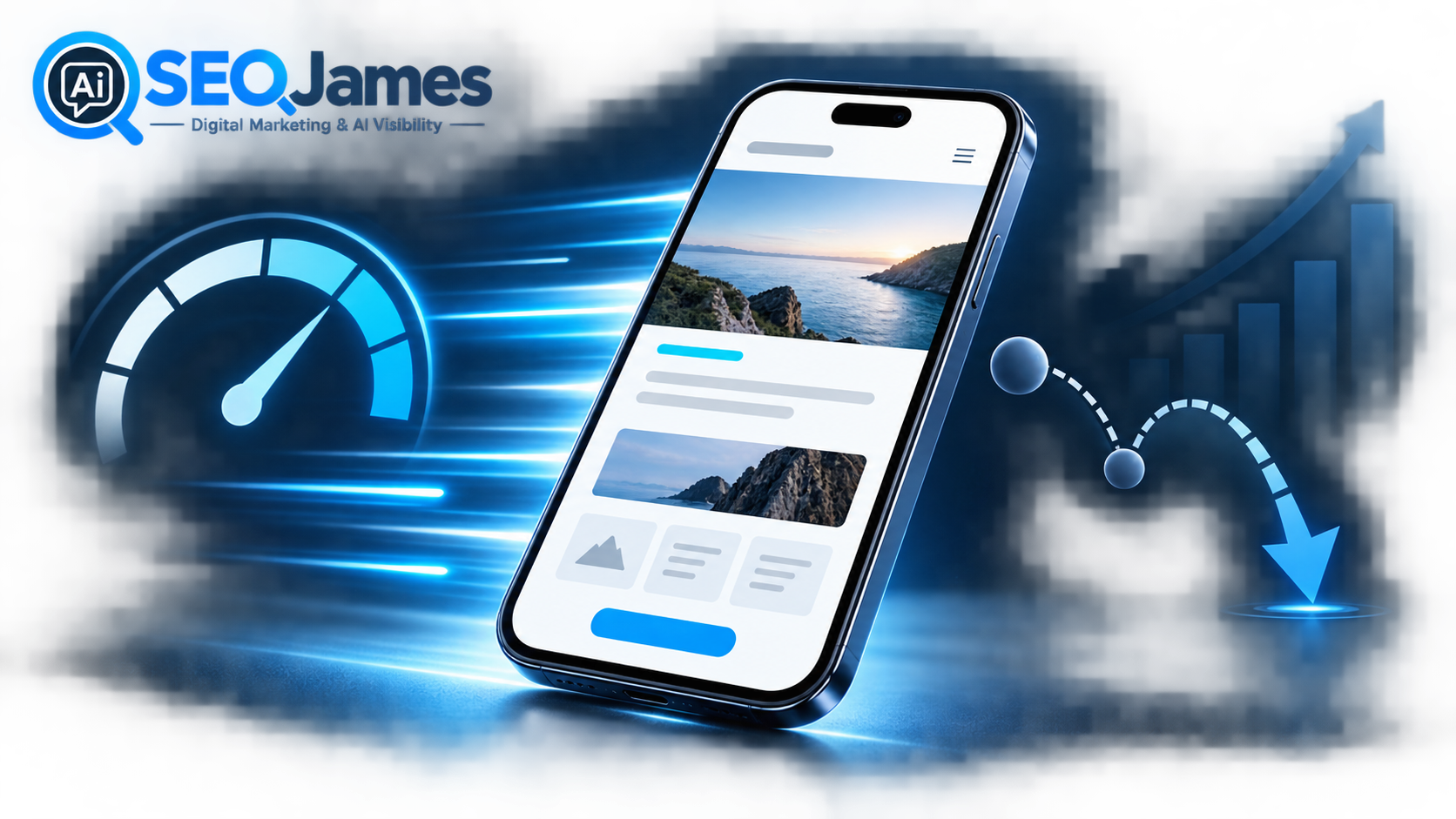

Your homepage often has only a few seconds to convince a mobile visitor to stay. If the page loads slowly, shifts while it appears, or ignores the first tap, that visitor may leave before seeing your services, reviews, or call to action. A fast-loading mobile homepage removes that friction. It makes the business feel credible, helps visitors find answers quickly, and gives every SEO and advertising campaign a better chance to produce a lead.
Speed is not the only reason people leave a website. A confusing message, weak design, intrusive popups, or a poor match between the search and the page can also increase exits. However, performance affects every part of the experience. Even excellent copy and professional design cannot work until the browser displays them. That is why mobile homepage performance should be treated as a business priority, not merely a technical score.
What Bounce Rate Really Tells You
Bounce rate is commonly used to describe visits that do not continue into meaningful engagement. In Google Analytics 4, bounce rate is the percentage of sessions that were not engaged sessions. That means the visitor did not remain long enough, view multiple pages, or complete a key event. A high number does not always prove that the page is bad; a visitor can find a phone number and leave satisfied. Still, when high bounce rate appears alongside slow load times, low conversions, and short engagement, performance deserves immediate attention.
Mobile users are often searching in practical situations: comparing a contractor between appointments, looking for a restaurant while traveling, or researching a service from a cellular connection. They expect the page to work without effort. Each delay creates another opportunity to return to search results and choose a competitor.
The Three Core Web Vitals to Watch
Google recommends good Core Web Vitals for success in Search and for a strong user experience. Largest Contentful Paint, or LCP, measures how quickly the main content becomes visible. A good target is 2.5 seconds or less. Interaction to Next Paint, or INP, measures responsiveness after a visitor clicks or taps, with a good target below 200 milliseconds. Cumulative Layout Shift, or CLS, measures unexpected movement, with a good target below 0.1.
These measurements translate directly into everyday frustrations. A poor LCP may leave the hero image or headline blank. A poor INP can make the navigation menu or quote button feel broken. A poor CLS can cause a button to jump just as someone tries to tap it. Passing the metrics does not guarantee top rankings or higher sales, but failing them can weaken the experience that supports both.
Why the Homepage Deserves Special Attention
The homepage is usually one of the most linked-to and frequently visited pages on a business website. It introduces the brand, explains the primary services, establishes trust, and directs visitors deeper into the site. It may also be the landing page for branded searches, map listings, referrals, social profiles, and offline advertising.
Because the homepage carries so many responsibilities, it is easy to overload it. Oversized video backgrounds, sliders, multiple tracking scripts, heavy review widgets, large fonts, and uncompressed images can accumulate until the page becomes slow. The solution is not to make the site plain. The goal is to keep the elements that help a buyer decide and remove or delay the elements that do not.
The WordPress Improvements That Make the Biggest Difference
Optimize the first screen
The top of the mobile page should load a clear headline, a short explanation, and one primary action quickly. Use a properly sized hero image in a modern format, reserve its dimensions to prevent movement, and avoid making a large background video the first resource the phone must download. If a visual is decorative, it should never delay the main message.
Reduce unnecessary code
WordPress can become heavy when themes, page builders, plugins, and third-party scripts all load assets on every page. Audit what the homepage actually needs. Remove unused plugins, limit duplicate analytics or chat tools, and delay nonessential scripts until after the important content becomes interactive. A well-built site can use modern design tools without sending every feature to every visitor.
Use caching, image optimization, and capable hosting
Page caching lets the server deliver prepared content instead of rebuilding the page for every visit. Browser caching reduces repeat downloads, while a content delivery network can serve assets closer to visitors. Images should be compressed without looking blurry and should not be uploaded at dimensions far larger than their display size. Hosting also matters: optimization cannot fully compensate for a server that responds slowly under normal traffic.
Protect usability while optimizing
A faster page is valuable only if it remains accessible and easy to use. Keep readable type, strong color contrast, descriptive image alt text, clearly labeled forms, and tap targets large enough for a thumb. Do not hide essential service information merely to improve a laboratory score. Performance work should make the real page better for real people.
How to Measure Results Instead of Guessing
Start with Google PageSpeed Insights and the Core Web Vitals report in Search Console. Laboratory tests help diagnose specific problems, while field data reflects actual visits over time. Test the homepage on mobile and review LCP, INP, and CLS together. Then use analytics to compare engagement rate, form submissions, phone clicks, and landing-page conversions before and after meaningful changes.
Test changes one group at a time. Compressing the hero image, removing an unused slider, or delaying a review widget may each improve a different part of the experience. Documenting the result prevents teams from repeatedly adding back the same performance problem.
Speed Supports SEO, AI Discovery, and Sales
Search engines and AI-powered discovery systems need accessible, crawlable pages with clear text and a logical structure. A lightweight homepage makes it easier to deliver that content consistently, but speed alone does not create visibility. The page still needs useful service information, internal links, trustworthy claims, and content that answers the questions potential clients ask.
For a service business, the best mobile homepage feels immediate. It identifies the customer’s problem, explains the solution, proves credibility, and makes the next step obvious. When those elements load quickly and remain stable, fewer prospects encounter a reason to abandon the page.
Build a Faster First Impression
A fast-loading mobile homepage is not a cosmetic upgrade. It is the front door to your SEO, paid advertising, local search, and referral traffic. Improving it can reduce avoidable friction, strengthen engagement, and help more visitors become calls, appointments, and qualified leads.
SEO James builds and optimizes WordPress websites around mobile performance, search visibility, and conversion. If your homepage looks professional but feels slow on a phone, a focused performance review can identify what is delaying the experience and which fixes will make the greatest business difference.